![[PC]漫威斗魂/MARVEL Tōkon: Fighting Souls-芝士游戏](https://img.113996.xyz/shuiyin/2026/10/06/6ac4f9e9494e8.webp)


游戏截图
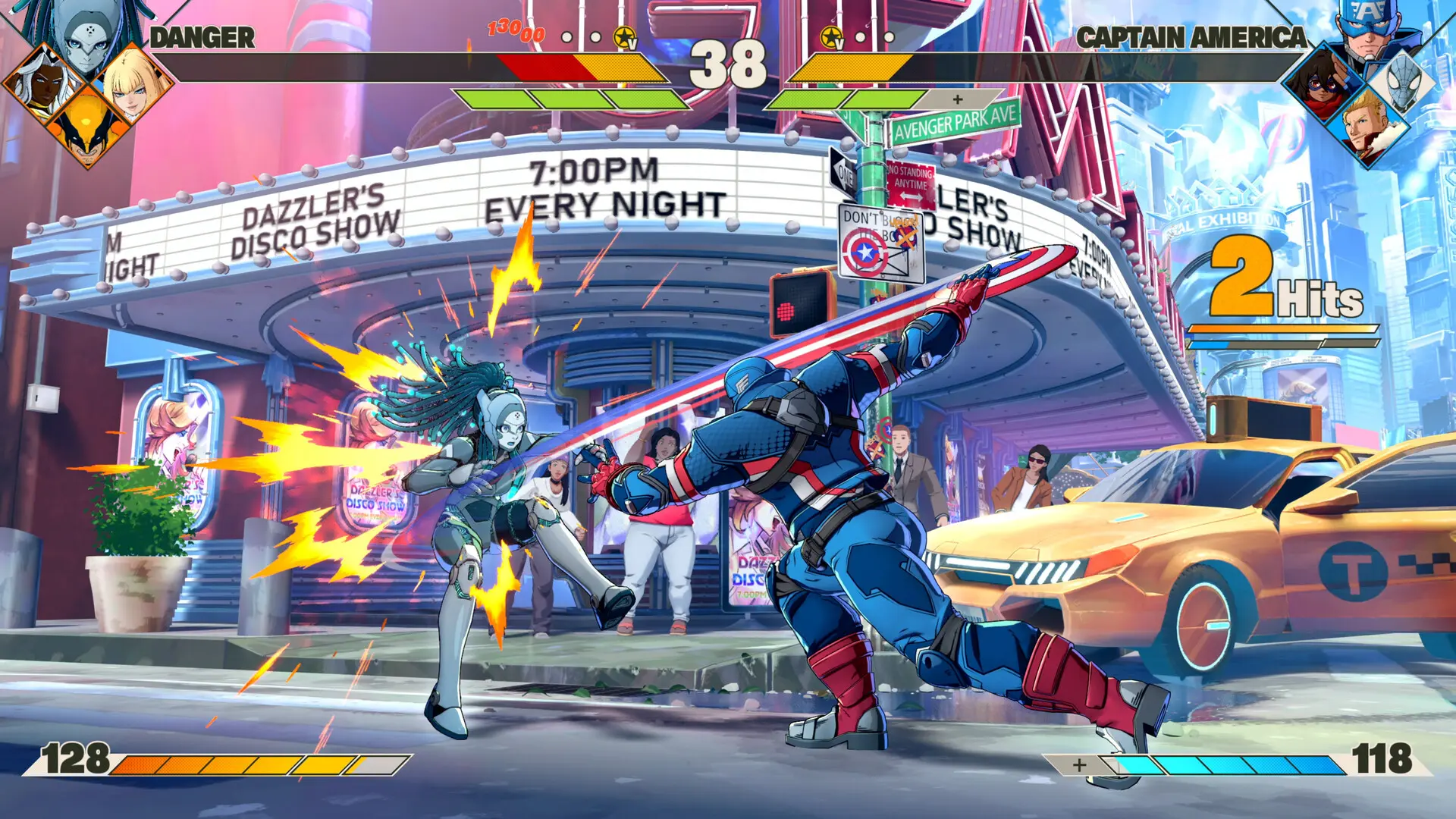
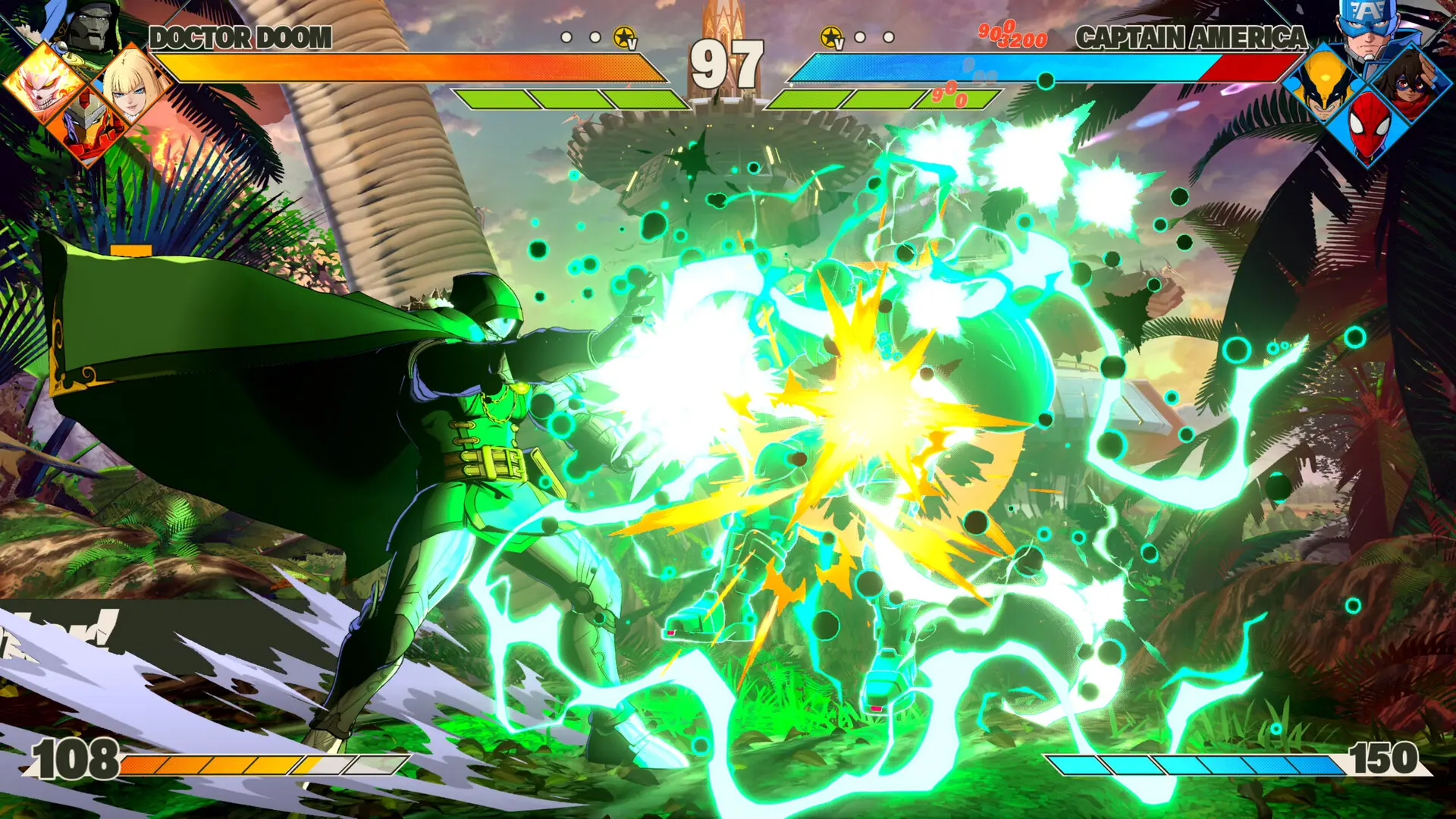
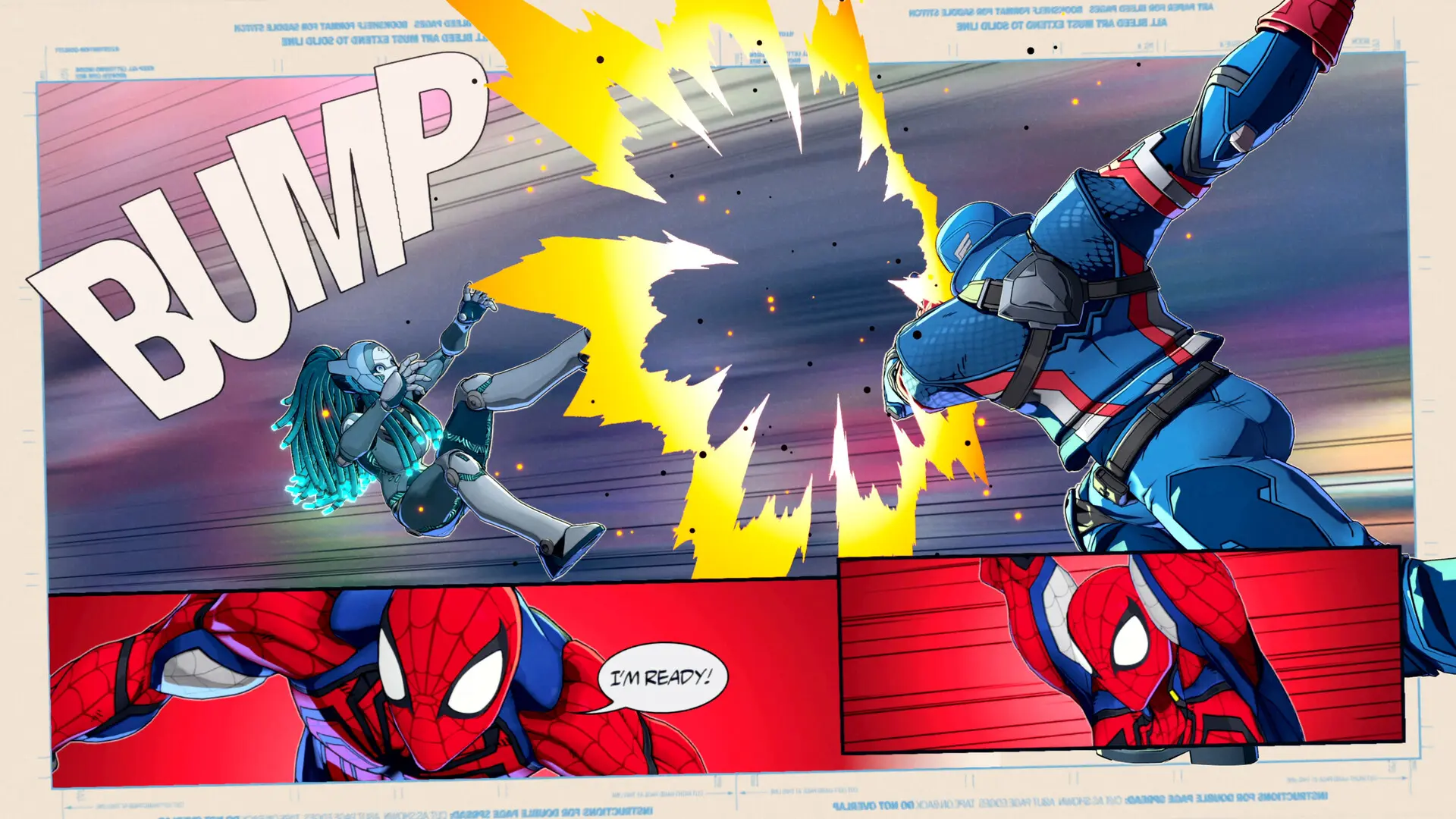
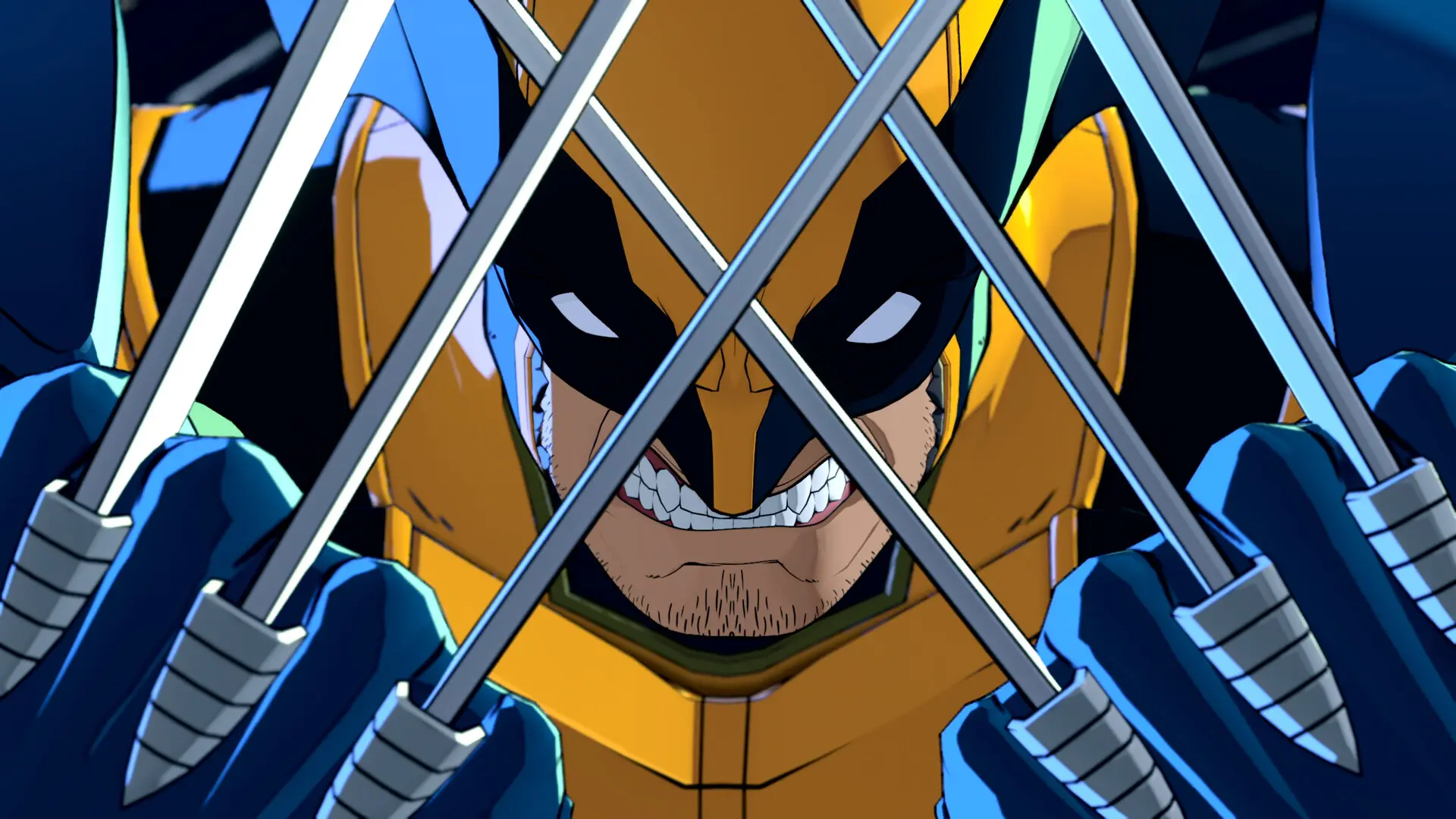
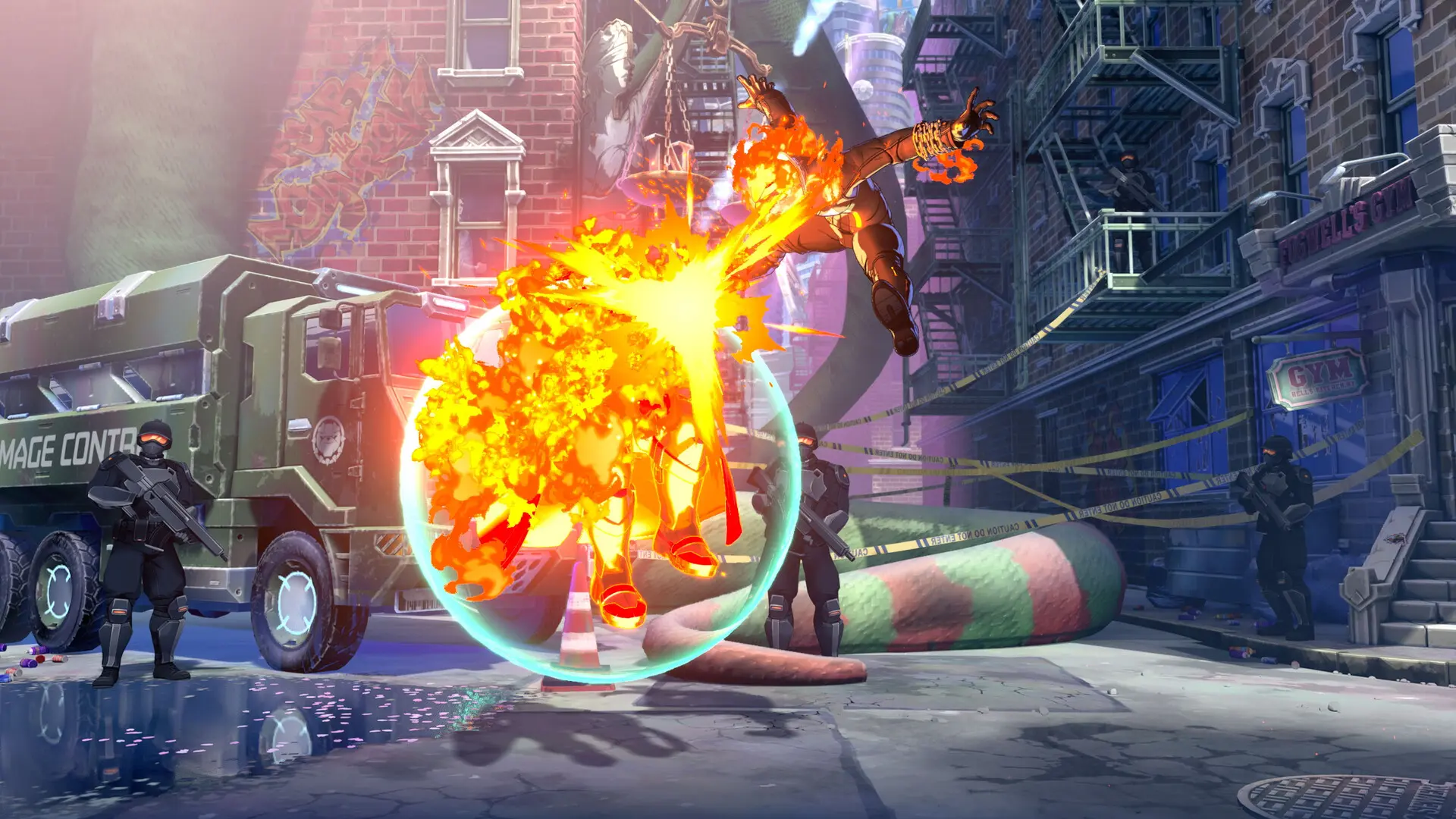
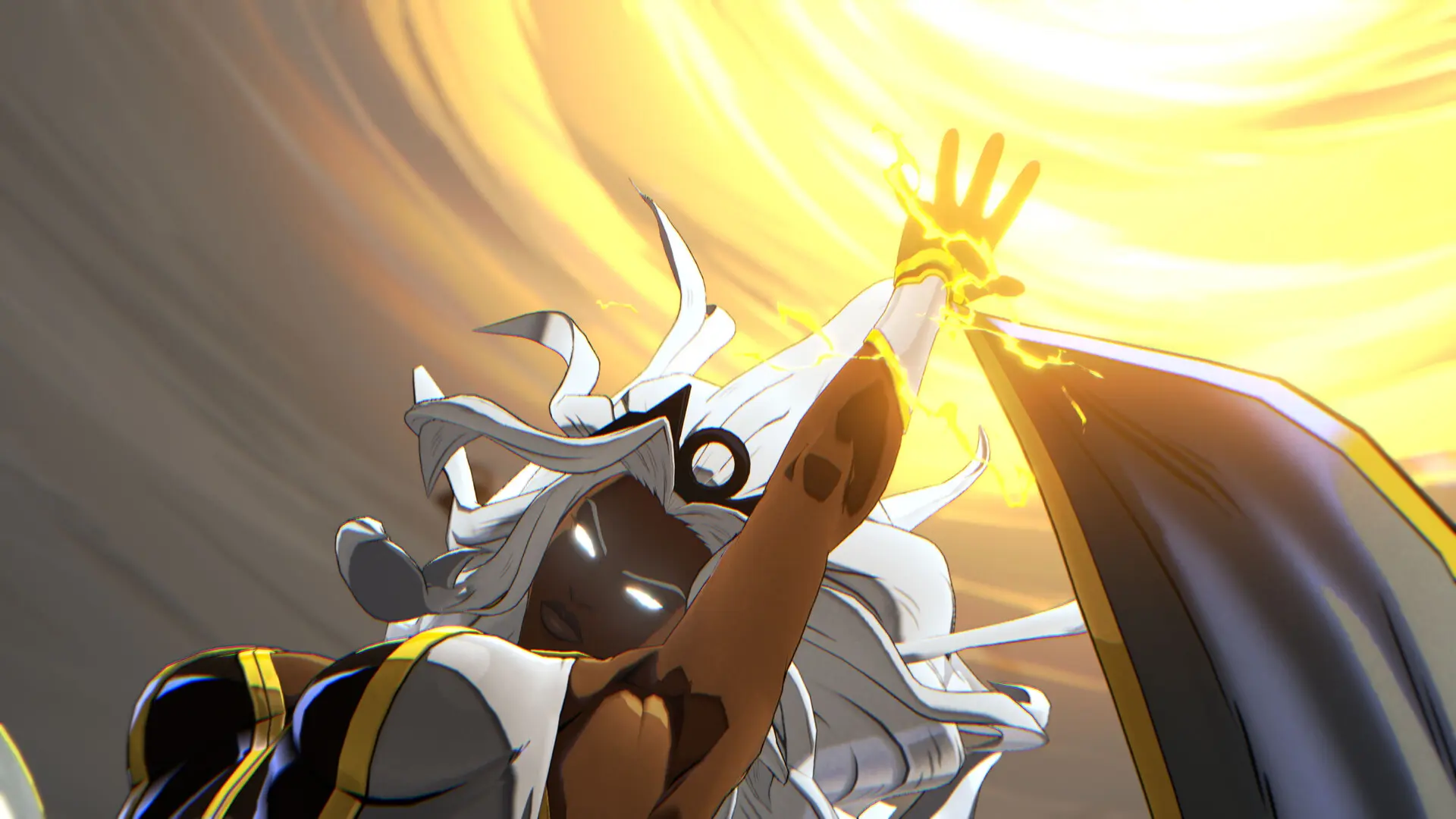
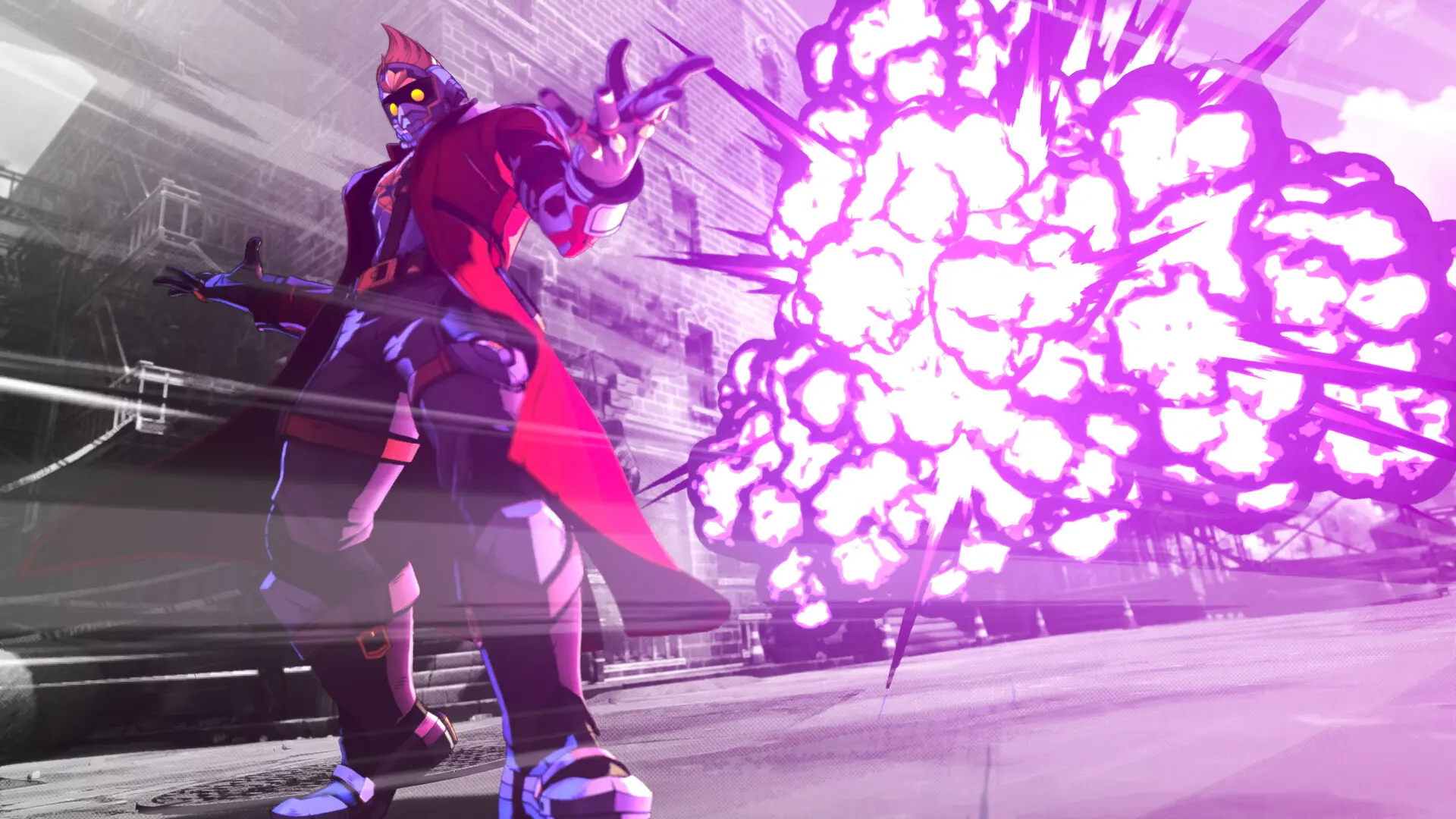
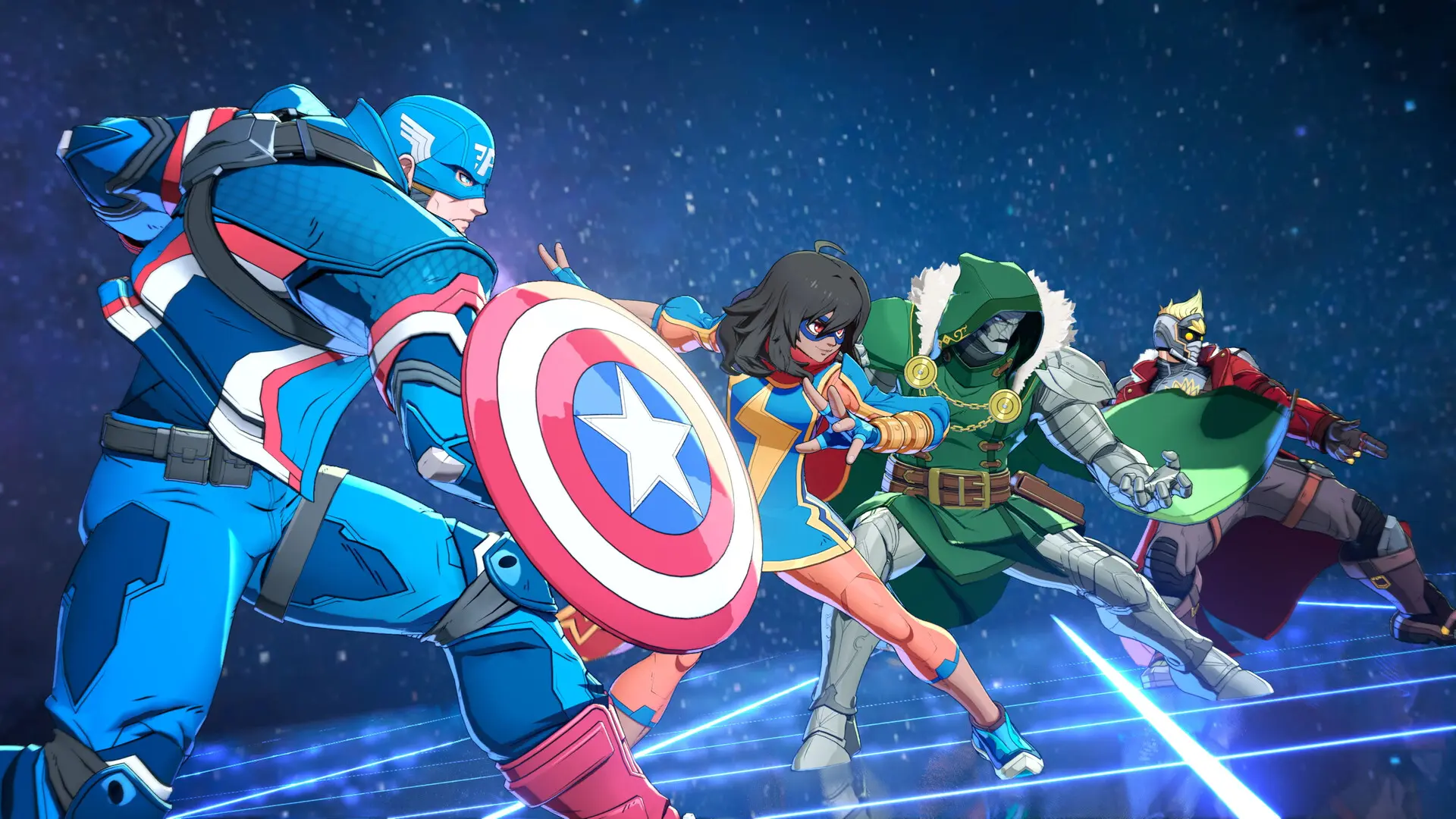
游戏简介
集结传奇漫威角色组建战队,激战终极4v4团队格斗游戏。
游戏介绍
漫威斗魂/MARVEL Tōkon: Fighting Souls 数字豪华版
![图片[1]-[PC]漫威斗魂/MARVEL Tōkon: Fighting Souls-芝士游戏](https://shared.akamai.steamstatic.com/store_item_assets/steam/apps/3787240/extras/daa28c9211a3efa79701f31e9293947e.avif?t=1788520309)
此版本包含:
- 漫威斗魂/MARVEL Tōkon: Fighting Souls
- 首年角色和场地通行证²(包含发售后的四个角色和一个场地):
- 首年角色1
- 首年角色2
- 首年角色3
- 首年角色4
- 场地1
- 霍华德怪鸭(大厅虚拟形象)和科斯莫(大厅宠物)
²一套结算界面角色姿势可立即获得。首年角色和场地通行证中的剩余内容预计于2027年12月31日前开放获取。
![图片[2]-[PC]漫威斗魂/MARVEL Tōkon: Fighting Souls-芝士游戏](https://shared.akamai.steamstatic.com/store_item_assets/steam/apps/3787240/extras/25612e4e763c62d8b0cb568c7d2deabe.avif?t=1788520309)
漫威斗魂/MARVEL Tōkon: Fighting Souls 终极版
此版本包含:
- 漫威斗魂/MARVEL Tōkon: Fighting Souls
- 首年角色和场地通行证²(发售后包含一套结算界面角色姿势、四个角色、一个场地):
- 首年角色1
- 首年角色2
- 首年角色3
- 首年角色4
- 场地1
- 霍华德怪鸭(大厅虚拟形象)
- 科斯莫(大厅宠物)
- 蜘蛛侠“高级战衣2.0”服装
- 暴风女朋克摇滚服装
- 钢铁侠经典服装
- 美国队长经典服装
- 毁灭博士至高统治者服装
- 解锁²全部二十位首发角色的动画炫彩。
²一套结算界面角色姿势可立即获得。首年角色和场地通行证中的剩余内容预计于2027年12月31日前开放获取。
关于游戏
该版本包含:
- 漫威斗魂/MARVEL Tōkon: Fighting Souls
集结传奇漫威角色组建战队,激战终极4v4团队格斗游戏——由PlayStation Studios、Arc System Works与Marvel Games倾情奉上。
快来打造你的梦之队,在激烈的4v4格斗中点燃战魂。首发即可从20位经典漫威角色中挑选队员,每位角色均以全新动漫风格精心塑造,并各自隶属于独特的超级英雄或超级反派队。
尝试不同组合,探索全新连招、协同效应与对战策略。在基于漫威宇宙经典场景的动态场地中激战,部分场地更是包含了可互动的场地切换效果。
战斗体验沉浸直观,海量招式、连招与策略,值得你反复钻研。支持传统输入与快捷键自定义,配合简单连招,入门轻松流畅。
与好友本地对战,或进入最多可容纳64名玩家的在线²大厅参与乱斗,包含标准对战模式。此外,更可通过单人剧情模式深入探索每支队伍的战斗配合与背景故事。
²需要联网和PlayStation账号。
漫威斗魂/MARVEL Tōkon: Fighting Souls有着丰富的离线内容,包括剧情模式、本地对战、训练模式、全明星竞技场、角色指南等。
“乐园大乱斗”模式也可完全离线游玩,并可选择使用在线功能。
部分模式需要PlayStation账号和网络连接,包括在线大厅、房间对战(私人房间)、排位赛、休闲赛、玩家档案以及其他在线模式。
PC功能
超高设置
以60帧/秒(战斗场景锁定)的流畅性能与超清晰4K³画质体验漫威斗魂/MARVEL Tōkon: Fighting Souls热血激战。
³需要兼容的4K电视或显示器。
DualSense®控制器支持
借助DualSense®无线控制器的沉浸式触觉反馈,感受每一次强力打击和华丽的特殊招式。
更新内容
Patch Update - 28 August 2026
新增金刚狼“Battle Reborn”服装及大厅化身(含8款配色);排位和休闲匹配设置新增“游玩区域”选项;修复了PC端因特定Windows更新引起的崩溃,以及PS5后台下载时的死循环问题;修复了潘妮·帕克技能导致对手无法移动等对战Bug,并提升了多人模式的网络稳定性。
Patch Update - 21 August 2026
优化PC对局性能并修复PS5设置重置等问题;调整冲刺输入需经回中判定,修复冠军、屠杀、潘妮·帕克、蜘蛛侠等角色的战斗与视角异常;调整部分角色教学任务,改善联机匹配机制,并修复回放保存与成就计数等问题。
Patch Update 8/10/2026
优化 PC 端性能,降低启动和对战中音频引起的 CPU 占用,修复音频输入检测及特定分辨率导致的掉帧;修复重启后外观定制设置重置、大厅小游戏中按键无响应等问题;改进 PC 端画质自动配置检测。
DLC 列表
启动说明
如何启动
游戏玩法:
1. 启动 Steam。
2. 使用位于游戏主目录下的 start_protected_game.exe 启动游戏。
(通过 Steam 启动游戏后,会显示您正在玩《太空战争》。)
注意:
启动游戏时,您可能会遇到一些错误。这些错误通常不会造成任何问题。
您只需点击“确定”,游戏即可正常启动。
但是,如果这些错误让您感到困扰或游戏无法启动,请运行以下脚本:
“eos_eac_install_29e5cd54310aa0162befef42f9509cd3a9b0678f.bat” 和
“pspcsdkruntime_6.50.00.10.bat”,路径为:“MTFSBinariesWin64Prerequisites”。
这将安装必要的组件。
How To Play:
1- Launch Steam.
2- Launch the game using start_protected_game.exe located in the game's main directory.
(When the game launches through Steam, it will show that you are playing Spacewar.)
NOTE:
When launching the game, you may encounter few errors. They have never caused any problems.
You simply clicked "OK", and the game continued launching normally.
However, if these errors bother you or the game refuses to launch. run
"eos_eac_install_29e5cd54310aa0162befef42f9509cd3a9b0678f.bat" and
"pspcsdkruntime_6.50.00.10.bat" from: "MTFSBinariesWin64Prerequisites"
This will install the necessary components.
《漫威斗魂》/MARVEL Tōkon: Fighting Souls 下载 | Build 25361836 | 27.95 GB版本信息
配置要求
Windows
最低配置
- 需要 64 位处理器和操作系统
- 操作系统: Windows 11
- 处理器: Intel Core i5-8400 or AMD Ryzen 5 1600X
- 内存: 16 GB RAM
- 显卡: NVIDIA GeForce RTX 2060 6GB or AMD Radeon RX 6600 XT 8GB
- 存储空间: 需要 27 GB 可用空间
推荐配置
- 需要 64 位处理器和操作系统
- 操作系统: Windows 11
- 处理器: Intel Core i7-8700 or AMD Ryzen 5 3600X
- 内存: 16 GB RAM
- 显卡: NVIDIA GeForce RTX 3070 8 GB or AMD Radeon RX 7600 XT 16 GB
- 存储空间: 需要 27 GB 可用空间

![[PC]生化危机9:安魂曲-虚拟机版/Resident Evil Requiem HYPERVISOR-芝士游戏](https://img.113996.xyz/shuiyin/2026/02/27/69a19540c0906.webp)
![[PC]杀戮尖塔2/Slay the Spire 2-芝士游戏](https://img.113996.xyz/shuiyin/2026/10/09/6ac8314902b8b.webp)
![[联机补丁]杀戮尖塔2/Slay the Spire 2-芝士游戏](https://www.cheesegame.org/wp-content/uploads/2026/03/联机补丁封面模板.png)
![[PC]生化危机9:安魂曲/Resident Evil Requiem-芝士游戏](https://img.113996.xyz/shuiyin/2026/10/09/6ac8335ac47f8.webp)
![[PC]魔法少女的魔女审判/魔法少女ノ魔女裁判/Magical Girl Witch-芝士游戏](https://img.113996.xyz/cheesegame/2025/11/27/69286ebf3ea8a.avif)
![[PC]艾尔登法环黄金树幽影/ELDEN RING Shadow of the Erdtree-芝士游戏](https://img.113996.xyz/shuiyin/2026/05/12/6a020a2c19fd9.webp)
![[PC]酒馆塔防/Tavernacle!-芝士游戏](https://img.113996.xyz/shuiyin/2026/01/29/697aa80109d6a.webp)
![[PC]随机鼠/Randomice-芝士游戏](https://img.113996.xyz/shuiyin/2026/05/14/6a053887e0257.webp)
![[PC]粪趣乐园/Excremental Game-芝士游戏](https://img.113996.xyz/shuiyin/2026/10/06/6ac4fce38c93e.webp)
![[PC]红星全明星乱入版/REDNEG ALLSTARS SWING-BY EDITION-芝士游戏](https://img.113996.xyz/cheesegame/2025/11/28/692887ff163a4.avif)
![[PC]爬行/Crawl-芝士游戏](https://img.113996.xyz/shuiyin/2026/02/12/698cbddfb91d5.webp)
![[PC]阿布托斯秘站/Abtos Covert-芝士游戏](https://img.113996.xyz/shuiyin/2026/01/18/696cc87128bb2.webp)
![[PC]东方天空竞技场:幻想乡空战姬/Touhou Sky Arena: Matsuri Climax-芝士游戏](https://img.113996.xyz/shuiyin/2026/02/26/699fbcefaa99a.webp)
![[PC]铁路调度模拟器/铁路路线/Rail Route-芝士游戏](https://img.113996.xyz/shuiyin/2026/10/10/6ac9ddc02d42f.webp)




- 最新
- 最热
只看作者